Keeping Your Devices Updated
Updates keep your devices secure.
7/1/20262 min read
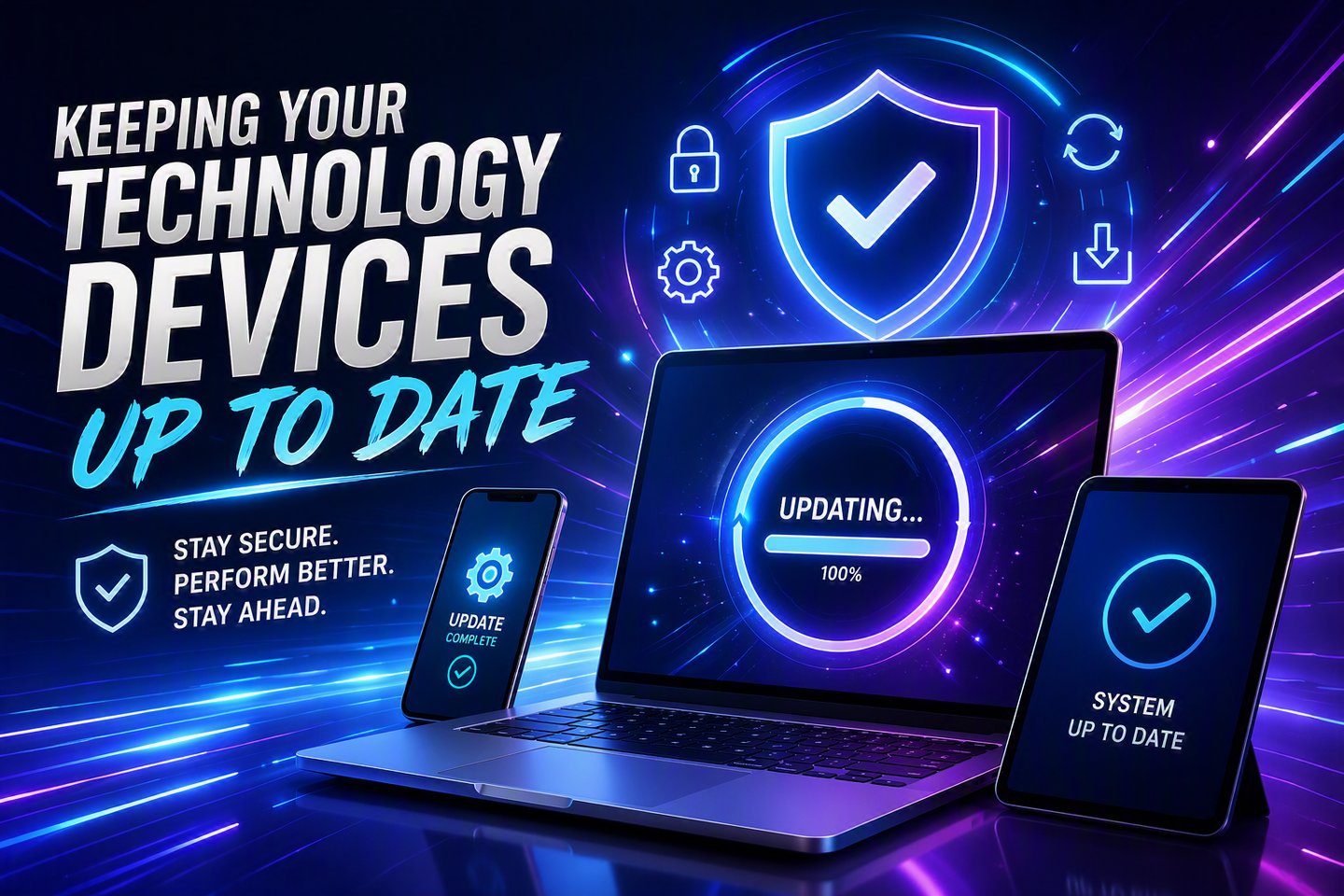
Keeping your devices updated is one of the easiest ways to stay secure and avoid performance issues.
Whether you’re using Windows 11, an iPhone or iPad, or an Android device, regular updates ensure you have the latest security patches, bug fixes, and feature improvements. Outdated systems are more vulnerable to malware, crashes, and compatibility problems. For both small businesses and home users, staying current helps prevent downtime and keeps your technology running smoothly.
Windows 11 updates protect your PC and improve stability.
On Windows 11, checking for updates is simple. Open Settings, select Windows Update, and click Check for updates. Windows will automatically download and install the latest patches. It’s a good idea to restart your computer afterward to ensure everything applies correctly. Businesses should make this part of their routine maintenance, especially if multiple computers rely on shared software or network resources.
iPhones and iPads stay secure with regular iOS updates.
Apple devices are known for strong security, but only if they’re kept up to date. To check for updates, open Settings, go to General, then tap Software Update. If an update is available, you’ll see an option to download and install it. Keeping iOS current helps protect your device from vulnerabilities and ensures apps continue to work properly.
Android devices need updates too, even if the menus vary slightly.
Android updates can look a little different depending on the manufacturer, but the process is similar across most devices. Open Settings, scroll to System, then tap System Update or Software Update. Your phone will check for available updates and guide you through installation. Regular updates help keep your device secure and improve battery life, performance, and app compatibility.
Staying updated prevents issues before they happen.
Updates aren’t just about new features—they fix security holes, improve stability, and keep your devices compatible with modern apps and services. For small businesses, keeping every workstation, laptop, and mobile device updated reduces support calls and prevents problems that can interrupt daily operations. Home users benefit too, with smoother performance and better protection against online threats.
Make checking for updates part of your routine.
A quick monthly check—or enabling automatic updates—can save you from headaches later. Updated devices run better, stay safer, and last longer. Whether you’re managing a business network or just keeping your home devices in good shape, staying current is one of the simplest ways to protect your technology.