Practice Networking Without Buying Equipment
Learn networking without a home lab.
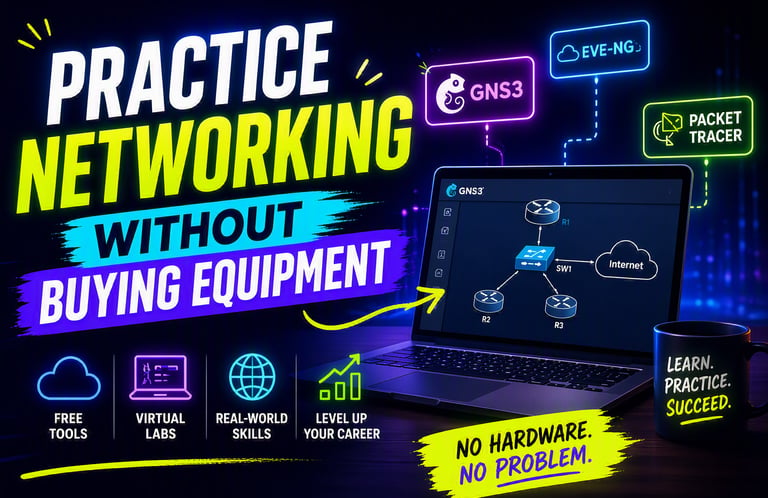
You don’t need physical routers or switches to learn how to configure them.
Building a home lab can get expensive, especially if you’re trying to learn networking, test configurations, or experiment with new setups. Fortunately, there are free online tools that let you practice router and switch configurations without needing any hardware. These platforms simulate real devices, giving you hands‑on experience with commands, interfaces, and network behavior.
Online simulators make learning networking easier and more accessible.
Tools like Cisco’s Packet Tracer, Cisco Modeling Labs Free Tier, and community simulators such as EVE‑NG Community Edition or GNS3 allow you to build virtual networks and test configurations just like you would on physical equipment. You can create topologies, configure routing protocols, test VLANs, and experiment with firewall rules — all from your computer. These tools behave very similarly to real routers and switches, making them perfect for beginners, students, and IT professionals.
Web‑based configuration tools require no installation at all.
Some platforms run entirely in your browser, letting you practice instantly. Websites like Cisco’s Sandbox Labs, Juniper vLabs, and various online CLI emulators give you access to real command‑line interfaces without downloading anything. This is ideal if you just want to test a quick configuration or learn basic commands without setting up a full virtual environment.
Home users can explore networking safely without breaking anything.
If you’re curious about how routers and switches work but don’t want to risk misconfiguring your home network, online tools are the perfect solution. You can learn how DHCP works, experiment with firewall settings, or practice port forwarding — all without touching your actual router. It’s a safe way to build confidence before making changes to your real devices.
Small businesses can use these tools to train staff or test changes.
Before applying new network configurations in a business environment, it’s smart to test them in a virtual lab. Online simulators let you preview how changes might affect your network, helping you avoid